
IACER
Institute of Advanced Communication, Education & Research
Scan the QR code to make your fee payment securely
Use any FonePay-supported banking app or wallet to scan and pay your fees instantly.
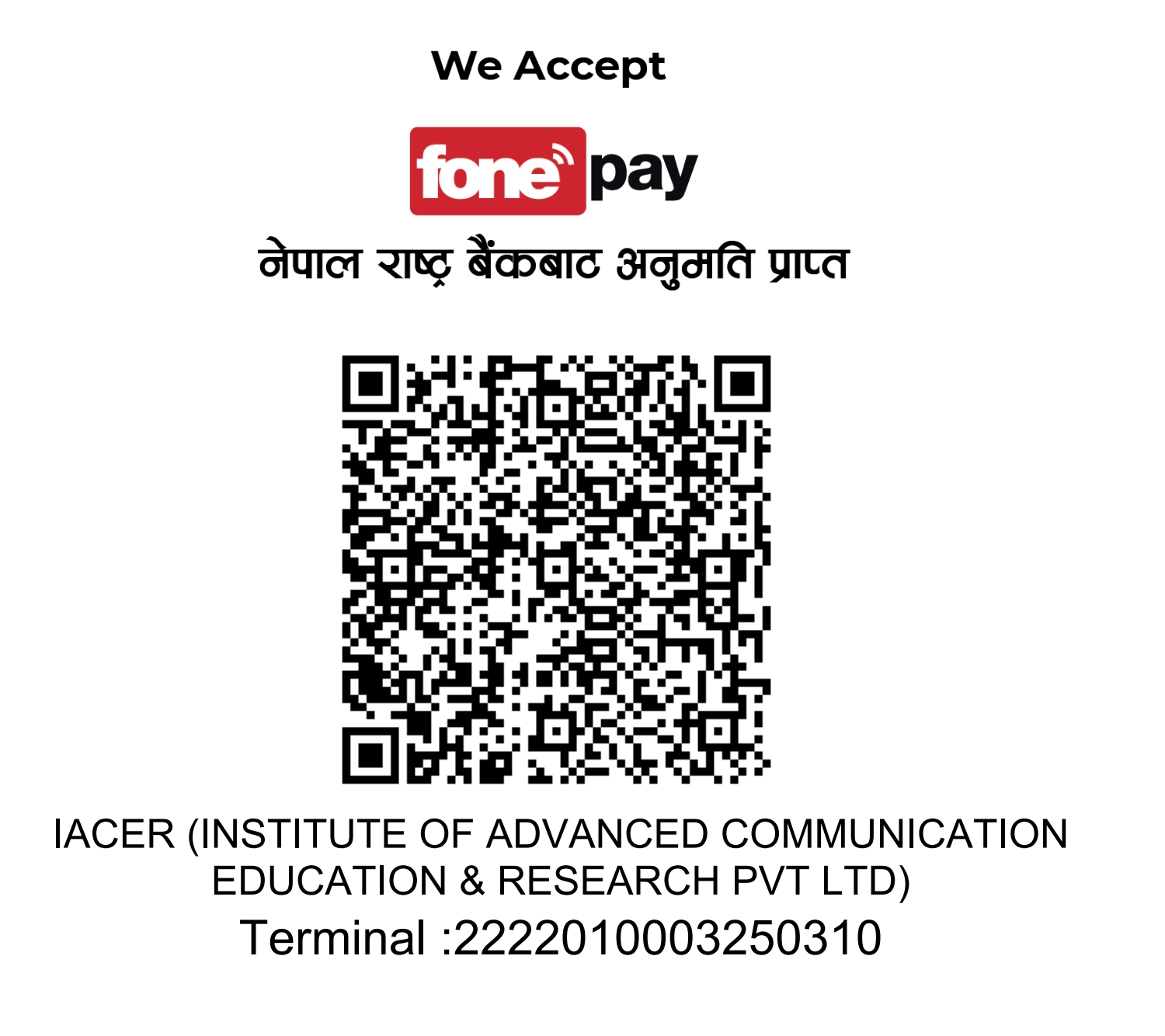
Open your mobile banking or FonePay wallet app, tap Scan QR, and point your camera at this code.
Launch your FonePay-enabled bank app or digital wallet (eSewa, Khalti, IME Pay, or any member bank).
Select the QR scan option in your app's payment section.
Point your phone camera at the IACER FonePay QR code displayed on this page or printed at the office.
Enter the fee amount as communicated by the college, review the details, and confirm the transaction.
Screenshot or note your transaction ID and present it to the accounts office for confirmation.
FonePay is accepted by all major Nepali banks and digital wallets including eSewa, Khalti, IME Pay, Prabhupay, and 50+ member banks.
All transactions are processed instantly through the FonePay network with bank-grade security. Your payment is confirmed in real time.
For payment queries contact our accounts office at 01-4571915 or visit us at New Baneshwor, Kathmandu.